Trace OpenClaw with Langfuse
What is OpenClaw? OpenClaw is a free and open-source autonomous AI agent created by Peter Steinberger. It is model-agnostic, supporting Claude, GPT, DeepSeek, and other LLMs. It runs locally and is accessed through messaging platforms like Signal, Telegram, Discord, and WhatsApp. OpenClaw can execute tasks, write its own skills, and maintain long-term memory of user preferences.
What is Langfuse? Langfuse is an open-source LLM engineering platform that helps teams trace LLM calls, monitor performance, and debug issues in their AI applications.
Why Trace OpenClaw?
- Understand agent behavior. Read the prompts, reasoning traces, and tool calls that OpenClaw makes under the hood.
- Improve your agent. Identify where the agent gets confused so you can tweak skills, system prompts, and configurations.
- Track costs. Monitor spending across models and sessions.
Tracing via OpenRouter
Since OpenClaw is model-agnostic, you can configure it to route LLM calls through OpenRouter. OpenRouter’s Broadcast feature then automatically sends traces to Langfuse, no code changes required.
Set up Langfuse
Sign up for Langfuse Cloud or self-host Langfuse. Create a project and copy your API keys from the project settings.
Configure OpenClaw to use OpenRouter
Set OpenRouter as your LLM provider in your OpenClaw configuration. Point the API base URL to https://openrouter.ai/api/v1 and use your OpenRouter API key.
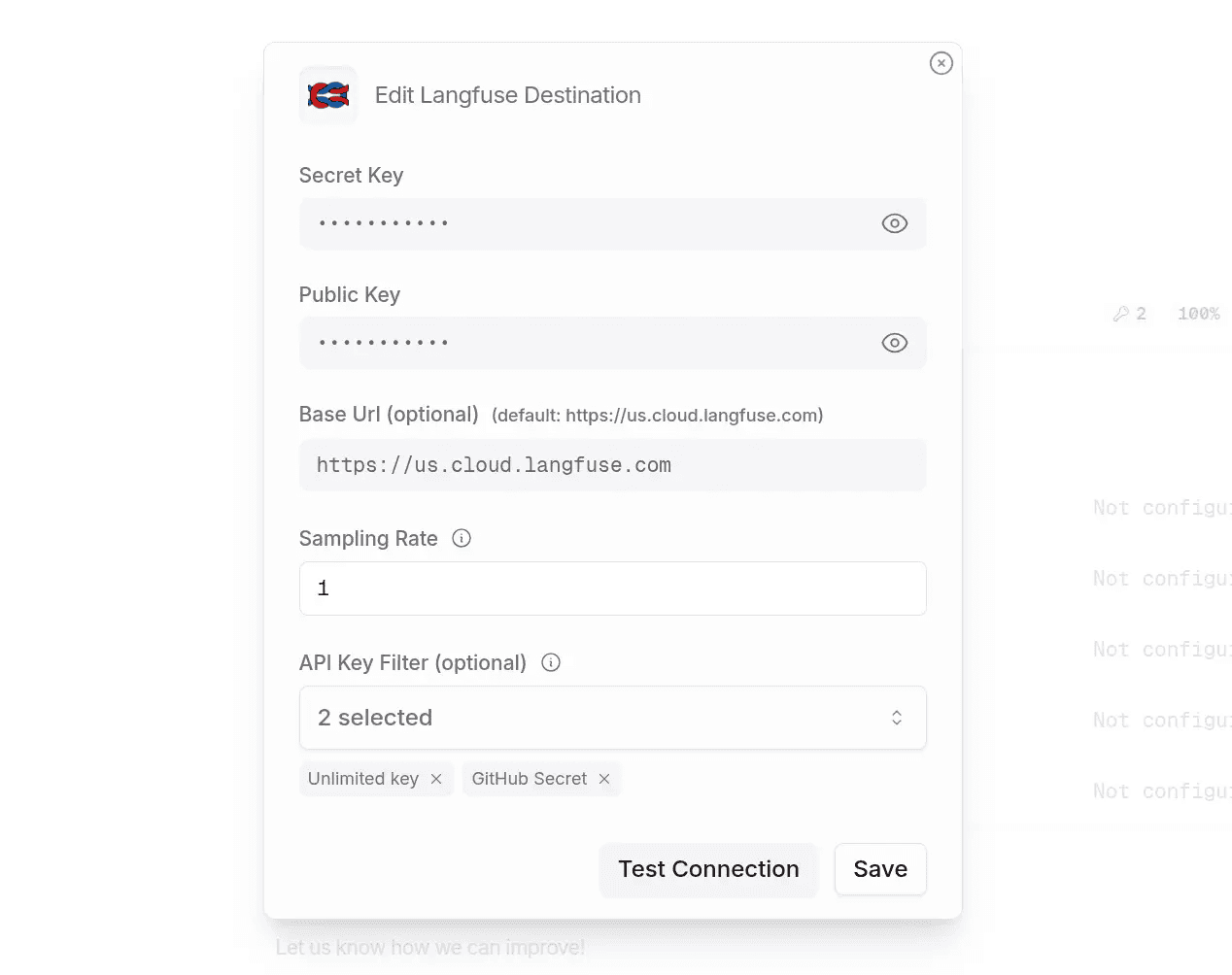
Enable OpenRouter Broadcast to Langfuse
In your OpenRouter settings, connect your Langfuse API keys to enable the Broadcast feature. Once enabled, all LLM requests routed through OpenRouter will be automatically traced in Langfuse.
View traces in Langfuse
Open your Langfuse project to see captured traces. You’ll be able to inspect individual LLM calls, token usage, costs, and the full content of prompts and responses.
Learn More
- OpenRouter Integration Guide: Full details on Broadcast and SDK integration methods
- Getting Started with Langfuse: Setting up API keys and projects
- OpenClaw Documentation: Configuring LLM providers in OpenClaw